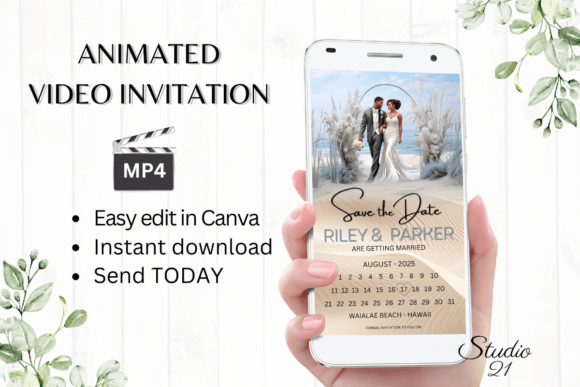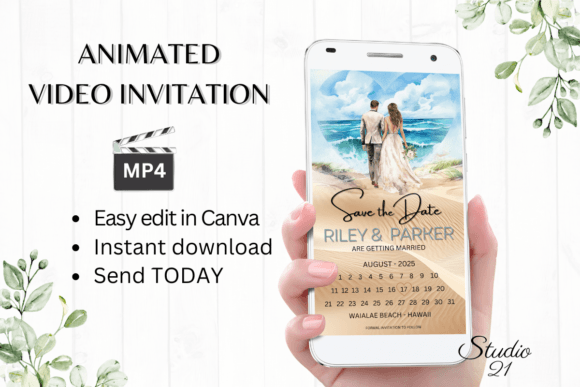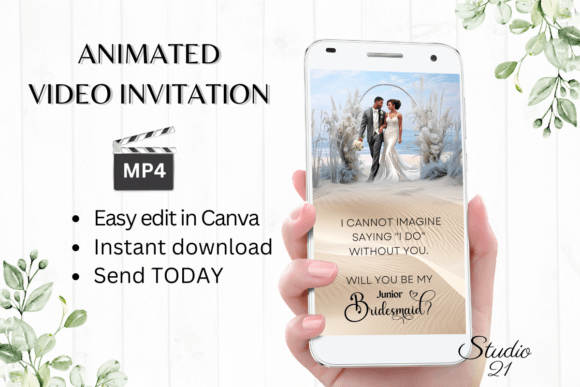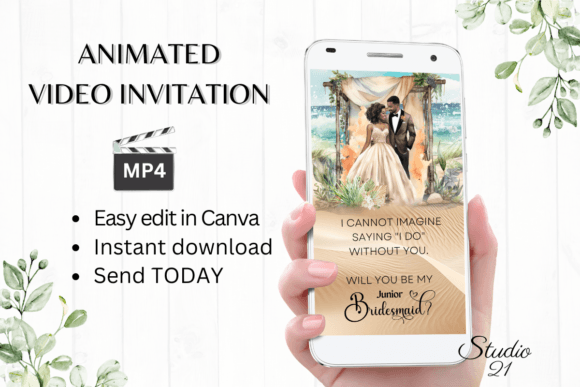
Beach Wedding Save the Date W2800B: A Digital Video Invitation Guide
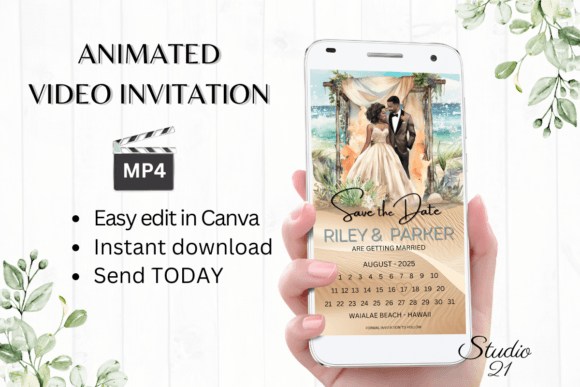
Planning a destination wedding, particularly one set against the backdrop of the ocean, requires a unique approach to communication. Traditional paper invitations often fail to capture the fluid motion of waves or the golden hues of a sunset. This is where digital innovation steps in. The Beach Wedding Save the Date W2800B represents a modern solution for couples who want to convey the atmosphere of their special day immediately and effectively. Unlike static images, this digital animated video invitation template allows you to share a moving experience that guests can view on their smartphones instantly.
The Evolution of Wedding Invitations
The concept of "saving the date" has evolved significantly over the last decade. In the past, this was a simple card sent months in advance. Today, it is an immersive first impression. For beach weddings, the stakes are higher; guests need to visualize the setting to prepare appropriately. The Beach Wedding Save the Date W2800B addresses this by combining visual storytelling with practical information. It serves not just as a notification, but as a mood setter, preparing your loved ones for the sandy shores and coastal breeze they will soon experience.
This shift toward digital media is driven by convenience and engagement. Modern couples often have guest lists spanning different time zones and continents. Sending physical mail takes days or weeks, whereas a digital file arrives in seconds. Furthermore, the ability to animate text and imagery creates a dynamic element that captures attention in crowded social media feeds and messaging apps.
Understanding the Template Features
At its core, the Beach Wedding Save the Date W2800B is a customizable asset designed for ease of use. It is built within the Canva ecosystem, a platform known for its user-friendly interface. This means that professional design skills are not a prerequisite for creating a stunning invitation. The template is optimized for vertical viewing, specifically at 1080x1920 pixels, which is the standard resolution for mobile screens. This ensures that when your guests open the file, it fills their screen perfectly without awkward cropping or black bars.
Key Editing Capabilities
The true value of this template lies in its flexibility. Once you gain access, you are presented with a suite of editing options that allow for complete personalization:
- Text Personalization: You can add, delete, or modify any text field. Whether you need to include specific dress codes, accommodation details, or a heartfelt message, the text layers are fully editable.
- Typography Control: Font styles, colors, and sizes can be changed to match your wedding palette. If the default script font doesn't fit your vision, you can swap it for something more modern or rustic.
- Visual Effects: Beyond static text, you can alter text effects such as shadows, outlines, or gradients to ensure readability against the busy background of a beach scene.
- Animation Styles: Perhaps the most distinct feature is the ability to change animation styles. You can decide how elements enter the screen—fading in, sliding up, or bouncing—to create a rhythm that matches the tone of your event.
Streamlined Workflow: From Concept to Send
One of the primary advantages of using the Beach Wedding Save the Date W2800B is the elimination of traditional bottlenecks. There is no need to download heavy software or install specific fonts on your computer. The entire process happens within a web browser. This cloud-based approach means you can start editing on your desktop and finish basic adjustments on your mobile device if you are on the go.
Furthermore, the wait times associated with physical printing and shipping are completely removed. There is no need to wait for proofs or deal with potential printing errors. Once you are satisfied with your edits in Canva, you can download the personalized evite as an MP4 file immediately. This instant turnaround is crucial for couples managing tight timelines or those who need to make last-minute changes to their guest list.
Detailed Sharing Instructions
Once your video invitation is finalized, the distribution process is straightforward. The downloaded MP4 file is compatible with virtually all modern communication platforms. You can share it via:
- Messaging Apps: Send directly through WhatsApp, Messenger, iMessage, or SMS. The video plays automatically for many recipients, ensuring they see the full effect.
- Email: Attach the file directly to an email or, for larger files, generate a link to forward. This keeps your inbox clean while ensuring high-quality delivery.
- Social Media: Post the video on private Facebook groups or Instagram stories to reach guests who prefer social updates.
Comprehensive instructions are included in the download package, guiding you through every step of the sharing process to ensure a smooth experience.
Who Benefits from This Digital Solution?
While the Beach Wedding Save the Date W2800B is designed for couples, its utility extends to various groups. Professional wedding planners can use this template to offer clients a quick, cost-effective way to notify guests before sending formal printed suites. Event coordinators organizing corporate retreats or destination parties can also adapt the template for non-wedding events.
For the average consumer, the benefits are clear: cost savings and environmental friendliness. By opting for a digital save-the-date, you reduce paper waste and eliminate postage costs. Additionally, the ability to edit the template at any time provides peace of mind. If a detail changes—such as a venue update or a time adjustment—you can simply re-edit the file and resend it without incurring additional expenses.
Practical Considerations and Limitations
While the Beach Wedding Save the Date W2800B offers numerous advantages, it is important to manage expectations regarding its limitations. First and foremost, this is a digital product. No physical item will be shipped. The purchase grants you immediate access to a PDF containing the link to the Canva template and a user guide. Understanding this distinction is vital for buyers expecting a tangible box in the mail.
Another consideration is color variance. Because digital screens vary widely in calibration, the colors you see on your monitor may differ slightly from what your guests see on their devices. While the template uses standard web-safe colors, slight shifts in saturation or brightness are possible depending on the recipient's phone settings. However, this is a universal characteristic of digital media rather than a flaw in the template itself.
Evaluating Suitability for Your Project
Before committing to this format, consider your guest demographic. If your attendees are primarily older generations who may struggle with technology, a hybrid approach might be best. You could send a simple text message with the link to the video, followed by a traditional paper invitation later. Conversely, for a younger, tech-savvy crowd, the Beach Wedding Save the Date W2800B might be the perfect standalone solution.
Additionally, think about the tone of your event. The animated nature of this template lends itself well to fun, relaxed, and romantic themes. If your wedding is strictly formal or traditional, you may wish to review the animation styles to ensure they align with your desired level of formality. Fortunately, the ability to customize animation speeds and entry effects allows you to tone down the playfulness if necessary.
Real-World Application Scenarios
Imagine a couple planning a wedding in Hawaii. They need to inform 150 guests across three continents. Using the Beach Wedding Save the Date W2800B, they can create a video featuring footage of the actual beach where the ceremony will take place (if allowed) or high-quality stock imagery that mimics the location. They edit the text to include flight tips and hotel block codes. Within minutes, they have a polished video ready to send. Guests receive the file, watch the waves crashing, and feel the excitement of the destination immediately.
In another scenario, a bride-to-be realizes two weeks before her original timeline that she needs to move the wedding date. With a physical print run, this would mean scrapping hundreds of dollars worth of paper. With the digital template, she logs into Canva, changes the date, and downloads a new version. The entire crisis is resolved in under ten minutes, saving both money and stress.
Conclusion
The Beach Wedding Save the Date W2800B exemplifies the intersection of creativity and efficiency in modern event planning. By leveraging the power of digital animation and cloud-based editing, it removes the barriers of cost, time, and technical complexity. Whether you are a DIY enthusiast or a seasoned planner, this tool offers a versatile way to communicate the joy and anticipation of your upcoming celebration. Its ability to be edited, shared, and updated instantly makes it a valuable asset for anyone looking to make a lasting first impression in the digital age.