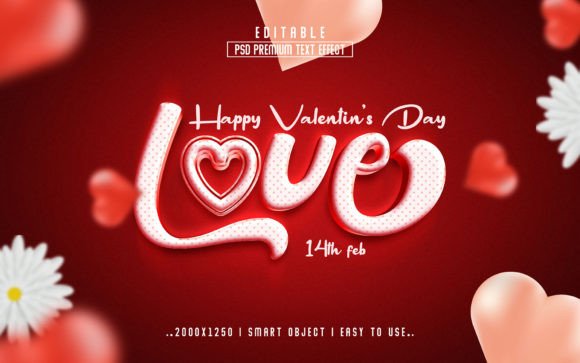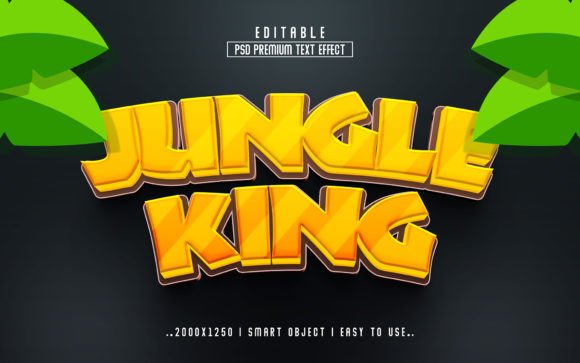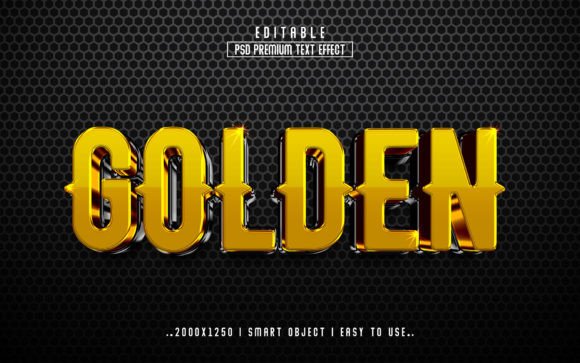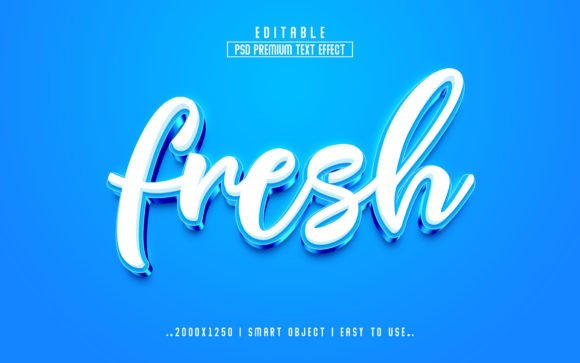
Neon 3D Editable PSD Text Style: A Practical Guide to High-Impact Design
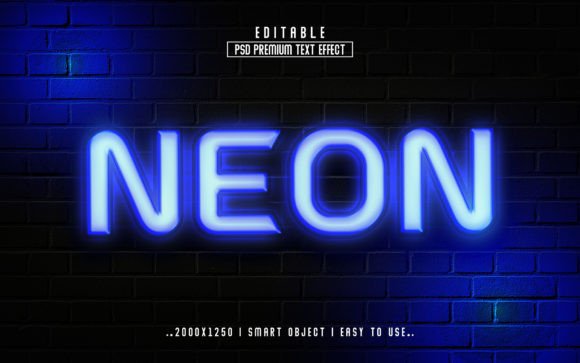
In the crowded landscape of digital design, grabbing attention is often about lighting the way. The Neon 3D Editable PSD Text Style offers a vibrant solution for creators who need eye-catching typography without spending hours mastering complex 3D rendering software. This specific asset allows you to open a file in Photoshop and instantly replace text within smart objects, transforming simple words into glowing, dimensional masterpieces. Whether you are designing a website banner, a T-shirt for print-on-demand, or a KDP book cover, this tool bridges the gap between amateur efforts and professional polish.
However, simply downloading a template does not guarantee a successful outcome. Many users approach these assets with unrealistic expectations or technical misunderstandings that can ruin the final presentation. To get the most value from your investment, it is crucial to understand not just how to use the file, but how to avoid common pitfalls that degrade quality and waste time.
Understanding the True Value of Smart Objects
The core functionality of this Photoshop editable 3D text effect style lies in its use of Smart Objects. For beginners, this feature is a game-changer. It means you do not need to manually apply layer styles, masks, or blending modes to recreate the neon glow and 3D depth. Instead, you double-click the designated layer, type your new message in the embedded document, save, and watch the main canvas update automatically.
A common mistake is treating these files as static images. Users sometimes try to rasterize layers immediately upon opening, which locks them out of future edits. If you plan to change the font or adjust the wording later, you will lose the ability to do so easily. Always keep the layers grouped and organized as they are provided. The file structure is designed to be well-organized, with elements separated by groups to ensure you can tweak individual components like the glow intensity or the background texture without breaking the entire composition.
Avoiding Resolution and Color Space Errors
One of the most overlooked details when working with high-resolution assets is the color mode. This template is built in RGB at 300dpi, making it perfect for web banners, social media graphics, and screen-based marketing materials. However, if you intend to use this design for physical print products like posters or large-format signage, you must be cautious.
RGB colors often appear duller when converted to CMYK for printing. The vibrant neon pinks and electric blues that pop on your monitor might turn muddy on paper. Before committing to a print run, always convert a test version to CMYK to check how the neon effects translate. If the colors shift too drastically, you may need to adjust the saturation or switch to a slightly different palette that prints better while maintaining the "neon" aesthetic.
Furthermore, pay attention to the dimensions. The included file size is 2000×1250 pixels. While this is excellent for standard web headers and social posts, it may be too small for high-end magazine spreads or billboards. Scaling up a 2000-pixel image beyond its native resolution results in pixelation and blurriness. If you need a larger format, consider creating multiple instances of the text or using vector shapes within the template to scale more effectively without losing clarity.
Font Selection and Visual Hierarchy
The template boasts 100% editable fonts, which sounds like unlimited freedom, but it requires discipline. A frequent error is choosing a font that clashes with the 3D neon effect. Thin, delicate serif fonts often disappear under heavy glow effects, while overly complex scripts can become illegible blobs of light.
To maintain readability and impact, stick to bold, sans-serif, or block-style typefaces. These shapes hold their form better when extruded into 3D space and illuminated with neon glows. When replacing the text in the smart object, preview how the kerning (spacing between letters) looks. In a 3D environment, tight spacing can cause the glow of adjacent letters to merge, making the word unreadable. Adjust the tracking slightly wider than usual to ensure each character remains distinct.
Strategic Application Across Platforms
This versatile asset works across various mediums, from T-shirts to marketing materials, but context matters. On a T-shirt, for instance, the neon effect relies heavily on the contrast against the fabric color. Placing a bright cyan neon text on a white shirt will wash out the effect. Conversely, placing it on a black or dark navy garment will make the glow appear authentic and striking.
For KDP Book Covers, the goal is legibility at thumbnail size. A massive, intricate 3D neon title might look impressive on a full-size mockup but could be indecipherable on a mobile device screen. Simplify the text if necessary. Use the template's flexibility to create a hierarchy where the main title glows brightly, but secondary information remains clean and readable. Don't let the visual effect overpower the communication of your message.
Evaluating Quality Before You Buy
Before purchasing any digital asset, including this Neon 3D Editable PSD Text Style, verify what is actually included. A legitimate package should provide the main PSD file, a JPEG preview, and a help text file. The presence of a help guide is a strong indicator of a well-supported product. It suggests the creator anticipates user questions and values a smooth experience.
Check the layer organization in the preview. If the description claims "well-organized layers in group," the preview should reflect a logical structure rather than a chaotic mess of merged layers. Disorganized files lead to frustration and increased editing time, negating the efficiency benefits of buying a template. Additionally, confirm the resolution. A low-resolution file might look fine on a compressed webpage but will fail when printed or used in high-definition presentations.
Maximizing Your Workflow Efficiency
The true power of this resource is speed. By utilizing the smart object technology, you can iterate through dozens of design variations in minutes. Test different color schemes by adjusting adjustment layers over the smart object. Experiment with different backgrounds to see how the neon reflects off various surfaces. This iterative process allows you to find the perfect match for your brand identity without starting from scratch every time.
If you encounter difficulties, remember that support is available. The creator encourages contact for special customizing needs or troubleshooting. Do not hesitate to reach out if you are stuck; a quick clarification can save hours of trial and error. Furthermore, if you find the tool helpful, taking a moment to rate the item supports the creator and helps other buyers make informed decisions.
Ultimately, the Neon 3D Editable PSD Text Style is more than just a graphic; it is a workflow enhancer. By understanding its technical requirements, respecting the limitations of color modes, and choosing appropriate fonts, you can leverage this tool to produce professional-grade designs that stand out in a saturated market. Avoid the trap of rushing into application without preparation, and instead, take the time to customize thoughtfully. The result will be a polished, high-impact visual that communicates your message clearly and memorably.